Renault R-LINK 2 GPS Speed Cameras: Lufop Publishes New Resource for Renault Drivers
LufopUsers of Renault vehicles equipped with the R-LINK 2 system now have a new resource on Lufop to better understand, prepare, and secure the use of R-LINK 2 compatible GPS speed camera files.
This page was designed as a practical reference point for drivers looking for clear information before handling their in-car GPS: software version, USB key, compatible files, deleting old speed camera databases, community resources, and access to France or Europe speed camera databases.
The goal is simple: avoid scattered searches, randomly found files, and unpleasant surprises during installation.
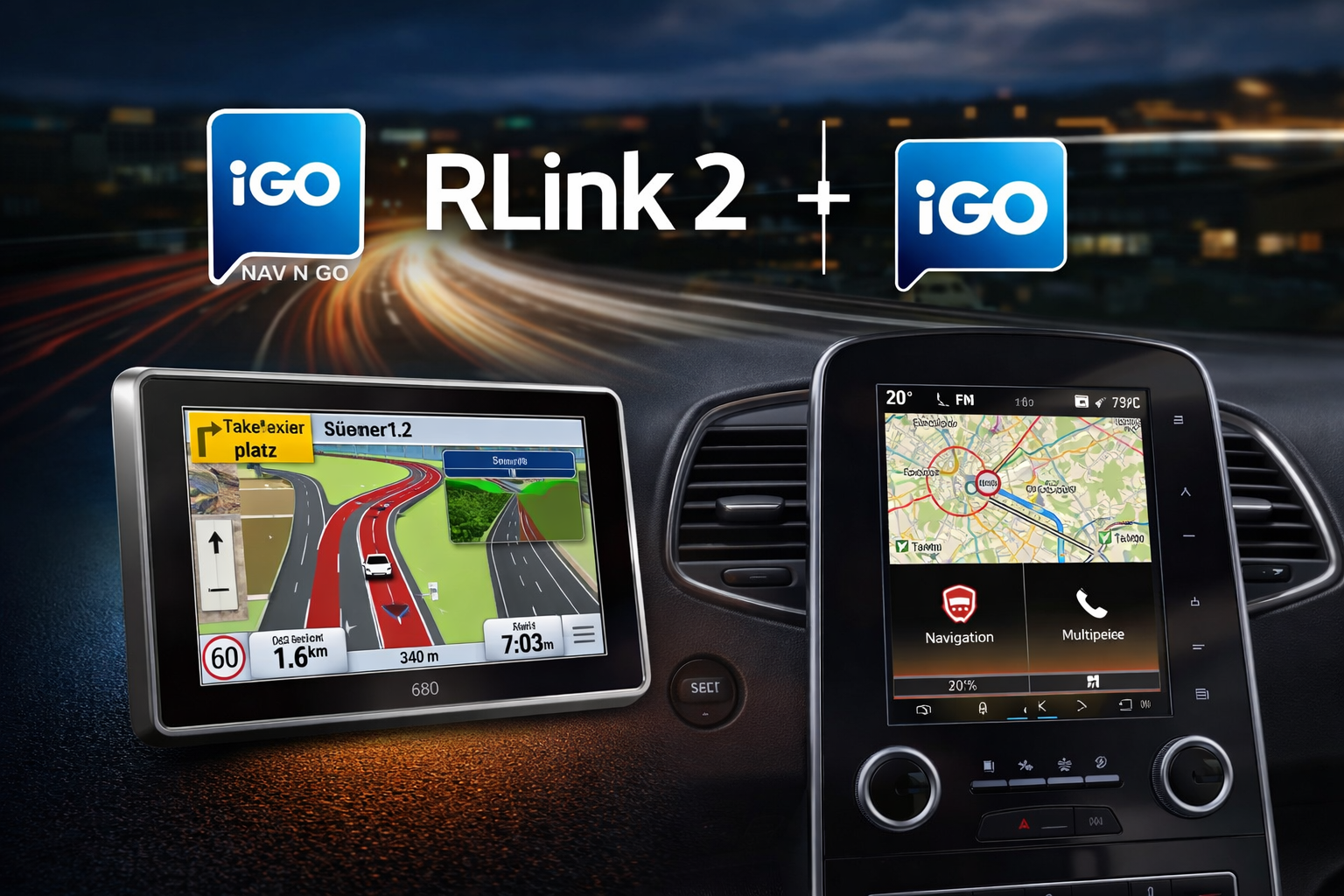
Why a Dedicated Resource for Renault R-LINK 2 GPS Speed Cameras?
The R-LINK 2 system is still present in many Renault vehicles. Even when the GPS is functioning correctly, the data it uses can become outdated over time: less recent maps, incomplete alerts, obsolete speed camera databases, or hard-to-find information.
For many drivers, the problem isn’t just with the GPS itself, but with the lack of clarity surrounding the files to use. Depending on the software version installed in the vehicle, some files may be compatible, while others are not.
It is precisely to address this difficulty that this new Lufop page was created: to gather useful information in one place to better identify your system and access the right resources.
A Clear Entry Point Before Touching Your In-Car GPS
Before adding a speed camera database or preparing a USB key, it’s essential to understand a few basic elements. The R-LINK 2 doesn’t work like a simple mobile application that you update with a single click. It relies on a logic of files, software versions, and preparation via USB support.
The new Lufop resource therefore helps clarify the essential points before any manipulation:
- correctly identify the vehicle’s R-LINK 2 system;
- locate the installed software version;
- understand the role of the USB key in the process;
- avoid using an incompatible file;
- access speed camera databases adapted to driving needs;
- find community help in case of doubt.
This preparation step might seem secondary, but it often prevents the most common errors. With an embedded system, it’s better to proceed like a good co-driver: calmly, in the right order, without going around the digital roundabout three times.
Speed Camera Files for Drivers in France or Europe
Not all drivers have the same needs. Some primarily use their vehicle for daily commutes in France, while others regularly drive in Belgium, Spain, Italy, Germany, or other European countries.
The Lufop page therefore makes it easier to distinguish between available resources based on the desired use:
- a France-oriented speed camera database for national journeys;
- a broader database for drivers traveling in Europe;
- additional files for users who wish to go further with their own tools.
This organization allows for better selection of files to retrieve, without mixing needs or multiplying unnecessary downloads.
Valuable Help Before Holiday Departures
Updating navigation information is often postponed until the last minute. However, before a long trip, a holiday departure, or a business trip, checking your in-car GPS can be part of useful small preparations.
A recent speed camera database obviously does not replace driver attention, respect for speed limits, or road vigilance. However, it can improve the comfort of using the navigation system and prevent driving with outdated information.
It’s the same principle as checking tire pressure or planning your route: it’s not spectacular, but it’s often what makes the journey smoother.
A Resource Born from Mutual Aid Among Renault Users
This new page is not based solely on technical logic. It also falls within a community approach, with information shared by users who are well-acquainted with the R-LINK 2’s operation.
Some of the resources mentioned come notably from discussions within the Facebook group
The R-LINK Good Corner, which brings together Renault drivers, enthusiasts, and experienced users.
Special thanks are extended to Twinys for their sharing, which helps make this information more accessible to R-LINK 2 users.

Who Is This Lufop Page For?
This resource can be useful for several types of Renault drivers:
- users who are discovering how R-LINK 2 works;
- drivers who want to check their software version before downloading a file;
- people looking for a more recent GPS speed camera database;
- motorists preparing a trip in France or Europe;
- members of the Renault community who want to quickly find useful links;
- advanced users working with speedcam or SKU Creator type files.
By bringing this information together on a single page, Lufop offers a more readable resource for drivers who want to understand before acting.
What to Check Before Downloading R-LINK 2 Files
Before retrieving a file or preparing a USB key, a few checks are essential. They help avoid most of the issues encountered by users.
- Verify that the vehicle indeed uses R-LINK 2 and not another Renault system.
- Precisely identify the software version displayed in the system settings.
- Prepare a compatible USB key, correctly formatted and dedicated to this operation.
- Read the instructions in order before installing anything.
- Only use files adapted to your system and its version.
These points may seem obvious, but they are essential. The R-LINK 2 doesn’t like improvisation. It prefers things well-organized, much like a meticulous driver’s glove compartment.
A Complementary Page to Other Lufop Speed Camera Resources
Lufop already offers various resources related to GPS speed cameras, danger zones, and navigation files. This new page complements this set with a specific angle: Renault drivers equipped with R-LINK 2.
It does not replace other site content. Rather, it serves as a gateway to a resource tailored for a specific use, with information grouped for this embedded system.
It’s also a way to facilitate access to files for users who don’t want to browse multiple pages before finding what matches their vehicle.
Access the New R-LINK 2 Resource on Lufop
The page dedicated to Renault R-LINK 2 GPS speed cameras is now available on Lufop. It brings together explanations, useful links, and the necessary files to better prepare your system.
View the R-LINK 2 Resource on Lufop
Frequently Asked Questions about Renault R-LINK 2 GPS Speed Cameras
Does this page allow direct updating of the R-LINK 2 GPS?
The page serves as a comprehensive resource to understand the steps, access useful files, and properly prepare your system. It should be read carefully before any manipulation.
Do the files only concern France?
No. The resource distinguishes needs based on usage, with France-oriented files and broader files for drivers traveling in several European countries.
Do you need to know your R-LINK 2 version before downloading?
Yes. This is an important step, as the files are not necessarily identical across different software versions of the system. A preliminary check helps reduce the risk of error.
Can the community help in case of doubt?
Yes. The Facebook group The R-LINK Good Corner allows users to discuss the Renault R-LINK 2 system, ask their questions, and benefit from shared experiences.
In Summary
This new Lufop resource dedicated to Renault R-LINK 2 GPS speed cameras addresses a simple need: to make information more accessible, better organize useful files, and guide drivers before they manipulate their in-car GPS.
It is aimed at both beginner users and more experienced drivers who want to quickly find the right links, the correct instructions, and resources adapted to their system.
👉 Consult the new Lufop resource for Renault R-LINK 2
Si cet article vous a intéressé n'hésitez pas à  vous abonner aux flux par RSS,
directement  par eMail ou suivez-moi sur twitter @Lufop
Le site vous est utile? Soutenez le site lufop.net :

Si tu as une question ou un problème, utilise le forum, il est là pour ça.


 France
 Belgique
 Italie
 Allemagne
 Suisse
 Espagne
 Suede
Suede Portugal
 Pays-Bas
 Luxembourg
 Grande-Bretagne
 Pologne
 Andorre
 Irlande
 Lettonie
 Republique Tcheque
 Bulgarie
 Canada
 Australie
 Nouvelle-Zelande
 Norvege
 Emirats Arabes Unis
 Maroc
Maroc Finlande
 Bresil