Renault R-LINK 2 GPS Speed Camera Updates: Clio, Mégane, Scénic, Kadjar, Koleos, Talisman
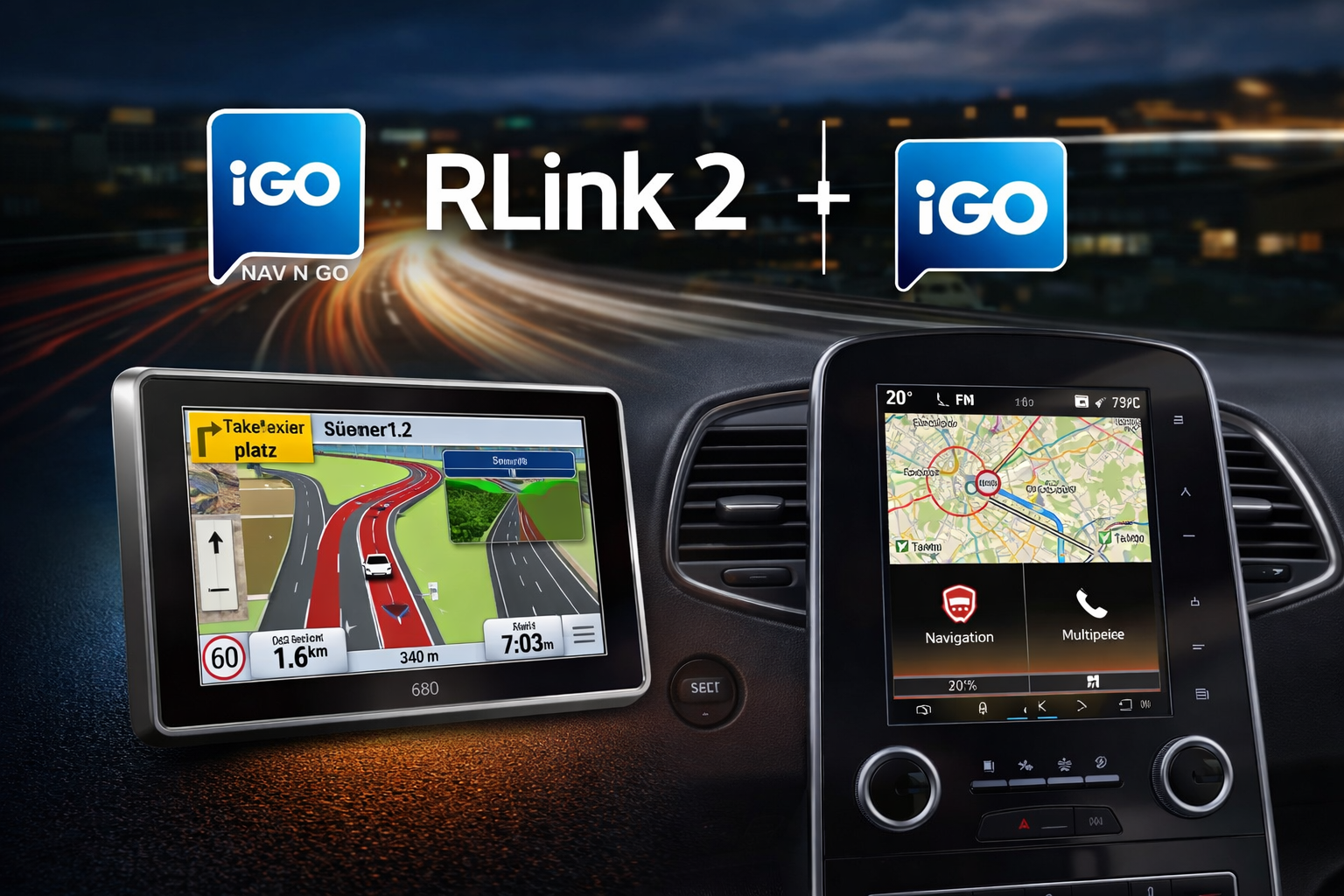 Is your Renault R-LINK 2 GPS starting to show its limits? Overly long loading times, unresponsive navigation, missing speed camera alerts, or a completely outdated database? You’re definitely not alone in this situation.
Many drivers of Renault Clio, Mégane, Scénic, Espace, Kadjar, Koleos, or Talisman vehicles equipped with the R-LINK 2 system encounter the same frustrations: an aging, rarely or never updated database, and a navigation experience that gradually loses reliability.
However, there’s a simple and accessible solution to regain control of your in-car GPS: update your R-LINK 2 system and install a recent, reliable, and regularly updated speed camera database.
In this guide, you will discover a community-tested method, designed for R-LINK 2 compatible Renault vehicles, to significantly improve your system without complex procedures.
This tutorial guides you step-by-step, with:
- ✔️ ready-to-use files in R-LINK format;
- ✔️ simplified installation via USB stick;
- ✔️ an up-to-date France and Europe speed camera database;
- ✔️ explanations adapted for users of Renault Clio, Mégane, Scénic, Espace, Kadjar, Koleos, and Talisman equipped with R-LINK 2.
Which Renault Models Are Covered by This R-LINK 2 Update?
This page is for drivers whose Renault vehicle is equipped with the R-LINK 2 system. This in-car GPS is found on several models in the Renault range, depending on the year, trim levels, and installed software versions.
The files and explanations may specifically concern users of:
- Renault Clio equipped with the R-LINK 2 system;
- Renault Mégane with R-LINK 2 GPS;
- Renault Scénic and Grand Scénic compatible with R-LINK 2;
- Renault Espace equipped with R-LINK 2;
- Renault Kadjar with R-LINK 2 navigation;
- Renault Koleos using the R-LINK 2 system;
- Renault Talisman equipped with R-LINK 2 GPS.
However, please note: the vehicle model alone is not sufficient. Before downloading or installing any file, always verify that your vehicle indeed uses R-LINK 2 and precisely note the software version displayed in the system settings.
A Community-Based Solution
This tutorial is based on collaborative work from the Facebook group Au bon coin du R-LINK.
A big thank you to Twinys for their sharing, which makes this tutorial and the speed camera files directly compatible with R-LINK 2 available.
This community support is invaluable, as Renault’s in-car systems can vary depending on models, software versions, and manufacturing years. User feedback therefore helps to avoid certain errors and better understand the steps to follow.

R-LINK 2 Community Objectives
- centralize reliable information
- share tested methods
- avoid critical errors
- improve user experience
- help Renault drivers make better use of their in-car GPS.
⚠️ Best Practices Before You Start
Before you begin:
- back up your USB stick;
- verify that your vehicle is indeed equipped with R-LINK 2;
- precisely note your R-LINK 2 software version;
- follow the steps in order;
- only install compatible files: you are solely responsible for anything that might happen to your GPS or vehicle.
These precautions are important, whether you drive a Renault Clio, Mégane, Scénic, Espace, Kadjar, Koleos, or Talisman. The vehicle name provides an indication, but it is the R-LINK 2 system version that remains crucial.
⚙️ How the Renault R-LINK 2 GPS Works on Clio, Mégane, Scénic, Espace, Kadjar, Koleos, and Talisman
The R-LINK 2 system works only via USB stick:
- Required format: FAT32
- Recommended size: 8 GB to 32 GB
- Mandatory structure:
- an R-LINK folder at the root;
- the update files inside.
👉 The system is secured: to install custom content, it must be unlocked.
This step is essential before adding a custom speed camera database to a Renault R-LINK 2 GPS. It allows the system to accept external files prepared for this type of installation.
Updating the R-LINK 2 GPS and Installing Renault Speed Cameras
🔓 Step 1: Unlock R-LINK 2
To authorize external files such as GPS maps, speed camera databases, or certain patches, R-LINK 2 must first be unlocked. To do this, you need to install a modified iGO file — attention: this file is specific to each software version. Before downloading, carefully note your R-LINK 2 version, visible in your screen’s system settings, then select the corresponding file from the list below. Once the correct file is downloaded, place it in the R-LINK folder at the root of your USB stick, formatted in FAT32, then insert the stick into your vehicle and follow the on-screen instructions. Once this step is validated, your system will accept custom files.
- Version 2.2.19.300 : Download
- Version 3.3.16.94x : Download
- Version 3.3.16.96x : Download
- Version 3.3.16.98x : Download
- Version 7.0.24.1xx : Download
- Version 8.0.32.50x : Download
- Version 9.0.33.43x : Download
- Version 9.0.34.61x : Download
- Version 9.0.35.50x : Download
- Version 9.0.37.21x : Download
🧹 Step 2: Delete the Original Speed Camera Database
By default, R-LINK 2 contains a speed camera database provided by Renault — obsolete and no longer maintained for several years, just like the original GPS maps. Before installing a new speed camera database, it is therefore essential to perform a complete cleanup of this original database.
This step is done only once, during your very first speed camera update.
Renault uses one speed camera file per country, which makes the cleanup a bit longer. Download the deletion file corresponding to your situation, place it in the R-LINK folder at the root of your USB stick, then insert the stick into your vehicle and follow the on-screen instructions:
- 🗑️ Original speed camera database deletion — standard case: Download
- 🗑️ 2-step deletion — if a speed camera database from another source is already installed: Download
🚨 Step 3: Install the Lufop Speed Camera Database
Once the system is ready, you can install a recent database available here. Two versions are offered depending on your usage: a database for France only, or a broader database for drivers who travel in multiple countries.
Download R-LINK Speed Cameras for France only:

Fichier Radars FR format R-Link
Fichier Radars France directement au format pour rlink.
Attention il y a des prérequis à suivre avant l'installation.
Avec radars de chantier = radars mobile (5)
Soutenez le site dès 3€ et accédez immédiatement aux dernières mises à jour.
Download R-LINK Speed Cameras for all countries:
Fichier Radars format R-Link
Fichier Radars tout pays directement au format pour rlink.
Attention il y a des prérequis à suivre avant l'installation.
Soutenez le site dès 3€ et accédez immédiatement aux dernières mises à jour.
Why Update Your R-LINK 2 GPS Speed Cameras?
An old speed camera database can become unreliable over time. Roads evolve, certain danger zones change, new locations may appear, and old information may no longer be relevant.
For drivers of Renault Clio, Mégane, Scénic, Espace, Kadjar, Koleos, or Talisman equipped with R-LINK 2 GPS, having a more recent speed camera database improves navigation comfort. This never replaces driver vigilance, but it prevents driving with an in-car system stuck several years in the past.
This is particularly useful before a long journey, a holiday trip, a business trip, or travel in Europe.
💬 Have a Question? Need Help?
If you get stuck on a step, can’t find your software version, or simply have a question, the Facebook group Au bon coin du R-LINK is there for you. Hundreds of Renault drivers share their experiences and help each other daily. Whether you drive a Clio, Mégane, Scénic, Espace, Kadjar, Koleos, or Talisman, don’t hesitate to join the community and ask your question.
To go further with iGO and SKU Creator:
If you want to create the database yourself via SKU Creator, you can use the two speedcam.txt files below:
Speedcam.txt for France only:

Radars format IGO FR pour R-Link 2 - Euro+
Fichier FR speedcam.txt pour IGO pour conversion vers rlink2.
Soutenez le site dès 3€ et accédez immédiatement aux dernières mises à jour.
Speedcam.txt for all countries:
Radars format IGO pour R-Link 2 - Euro+
Fichier speedcam.txt pour IGO pour conversion vers rlink2.
Soutenez le site dès 3€ et accédez immédiatement aux dernières mises à jour.
Frequently Asked Questions about Renault R-LINK 2 GPS Speed Cameras
Does this update work on Renault Clio, Mégane, Scénic, Espace, Kadjar, Koleos, and Talisman?
Yes, this page may concern Renault vehicles such as the Clio, Mégane, Scénic, Espace, Kadjar, Koleos, or Talisman, provided they are indeed equipped with the R-LINK 2 system. Compatibility primarily depends on the software version installed in the GPS.
How do I know if my Renault uses R-LINK 2?
The simplest way is to check directly in your vehicle’s multimedia system settings. The system name and software version are usually indicated there. This verification is essential before downloading any file, as Renault R-LINK, R-LINK 2, Media Nav, or Easy Link systems do not function in the same way.
Are the speed camera files the same for all Renault models?
The files do not depend solely on the vehicle model, but primarily on the in-car system and its version. A Renault Mégane and a Renault Kadjar equipped with the same R-LINK 2 system may follow a similar logic, while another model with a different system will require a different method.
Do I need to repeat all steps for each speed camera update?
No. Certain steps, such as deleting the old speed camera database or unlocking the system, are generally only necessary initially. Subsequent speed camera database updates can then be simpler, provided you adhere to the file structure and indicated instructions.
Can this speed camera database be used for driving in Europe?
Yes, an all-country version is offered for drivers who travel beyond France. It can be useful for cross-border trips, holidays, or business travel in Europe.
Does the speed camera update replace a full GPS map update?
No. The speed camera database and GPS mapping are two different elements. Installing a recent speed camera database updates speed camera alerts or danger zones, but does not necessarily update the roads, speed limits, or system maps.
In Summary
This page helps Renault drivers equipped with the R-LINK 2 system better prepare for the installation of a recent speed camera database. It specifically concerns users of Clio, Mégane, Scénic, Espace, Kadjar, Koleos, and Talisman, provided the vehicle has the compatible system. Before downloading any file, always take the time to verify your software version, properly prepare your USB stick, and follow the steps in order. This is the best way to avoid unpleasant surprises and enjoy a more useful Renault GPS daily.


 France
 Belgique
 Italie
 Allemagne
 Suisse
 Espagne
 Suede
Suede Portugal
 Pays-Bas
 Luxembourg
 Grande-Bretagne
 Pologne
 Andorre
 Irlande
 Lettonie
 Republique Tcheque
 Bulgarie
 Norvege
 Finlande
 Danemark
 Autriche
 Lituanie
 Roumanie
 Croatie
 Maroc
Maroc ÉGypte
 Afrique Du Sud
 Algerie
 Canada
 ÉTats-Unis
 Bresil
 Emirats Arabes Unis
 Qatar
Qatar Singapour
 Australie
 Nouvelle-Zelande